
LinkedIn Recruiter Search: How to Find and Message the Right Recruiters
Most messages to recruiters get ignored, and the reason is rarely bad luck. They are vague, they go to the wrong person, and they ask the recruiter to do the work. This guide shows you how to find the right recruiters on LinkedIn, how to search for them properly, and what to write so a reply is actually likely. It also covers the contacts people skip, like hiring managers. No trick here guarantees a job. A good message to the right person, sent consistently, just improves your odds.
Decide who to contact first
The right contact is the person who is hiring for your kind of role right now, not any random recruiter.
Corporate recruiters work inside one company. Best when you have a target employer.
Agency recruiters fill roles for several clients. Best when you want a wider range of openings in one field.
Hiring managers run the team that has the vacancy. They often have more say than the recruiter, and fewer people message them.
A smart order is the recruiter on a specific job listing first, then the hiring manager for that same role. Two focused contacts beat twenty random connection requests.
Seven ways to find recruiters on LinkedIn
Start from the job listing: Open a role you fit and look for the recruiter or hiring team shown on the posting. This is the best method, because you know they are hiring for exactly this role.
Use the company's People tab: On the company page, open People and search for terms like recruiter, talent acquisition or sourcer. Filter by location so you reach the right regional recruiter.
Search by title and field: Search the People filter for something like "marketing recruiter" or "technical recruiter", then narrow by location and current company.
Search for hiring posts: Recruiters often post about open roles. Search "hiring" plus your role in the Posts filter and sort by latest. Comment with something useful, then connect.
Follow hiring hashtags: Tags like #hiring or a field-specific tag surface recruiters who are actively posting vacancies.
Use alumni and shared groups: People from your college or a shared group are more likely to reply. Use the alumni tool or search your school and filter by recruiting titles.
Look at second-degree connections: A recruiter connected to someone you know is easier to approach. Mention the mutual connection in your note, only if it is true.
Before you write to anyone, check that their profile shows recent activity. A recruiter who is posting jobs now is worth more than one who has been silent for months.
Search strings to copy
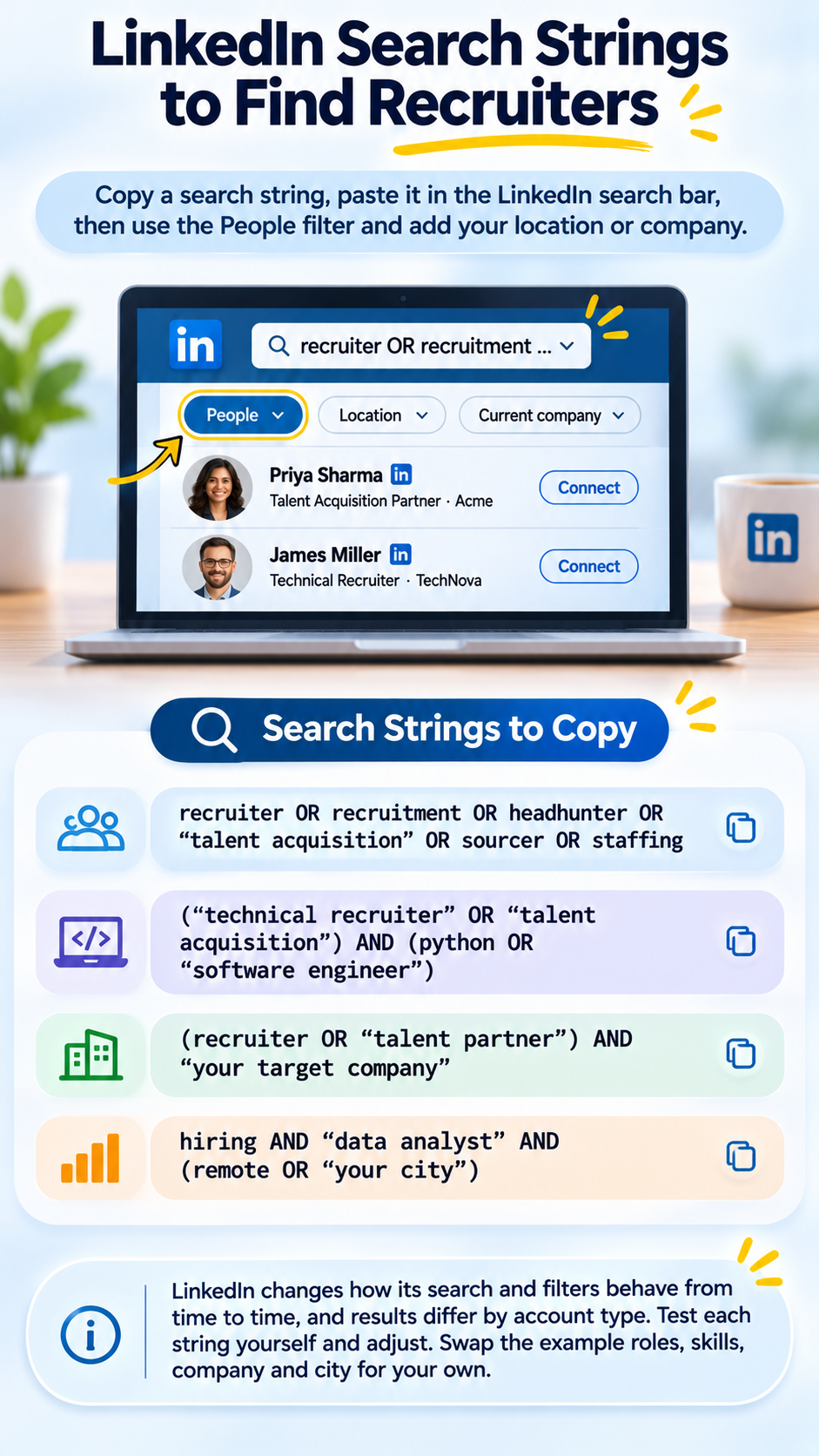
Recruiters do not all use the word "recruiter" in their title. Boolean searches in the LinkedIn search bar catch the others. Paste one, then use the People filter and add your location or company.
recruiter OR recruitment OR headhunter OR "talent acquisition" OR sourcer OR staffing
("technical recruiter" OR "talent acquisition") AND (python OR "software engineer")
(recruiter OR "talent partner") AND "your target company"
hiring AND "data analyst" AND (remote OR "your city")
LinkedIn changes how its search and filters behave from time to time, and results differ by account type. Test each string yourself and adjust. Swap the example roles, skills, company and city for your own.
The connection request
Keep it short. LinkedIn limits the note on a connection request (some guides cite 300 characters, so check the current limit on your account). Name the role or reason, add one proof point, and stop.
Weak
Hi, I would be interested in connecting with professionals working in talent acquisition. Looking forward to connecting.
This tells the recruiter nothing. There is no role, no skill and no reason to accept.
Stronger
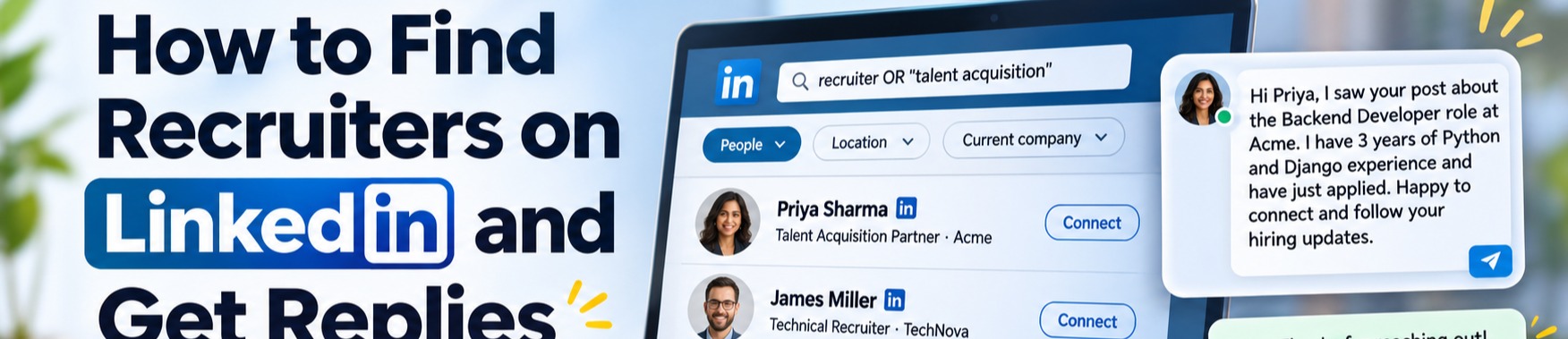
Hi James, I saw your post about the Backend Developer role at Acme. I have 3 years of Python and Django experience and have just applied. Happy to connect and follow your hiring updates.
The names, role and years above are examples. Use your own, and only claim what is true. If you have not applied yet, say you are applying.
The message after they accept
Do not ask "do you have any jobs for me?" That hands the recruiter a research task. Reference one specific role, give one line of proof, and make one clear ask.
Weak
Thank you for connecting. I am exploring opportunities and wanted to ask if you have any openings that match my profile. Happy to share my resume.
Stronger
Thanks for connecting, James. I applied for the Backend Developer role at Acme today. I have built and shipped Django APIs handling payment flows in my current job. Is there anything specific the team looks for that I should highlight? My resume is attached if useful.
Attach your resume only if the role asked for it or the recruiter said yes. Otherwise offer it in the message.
One follow-up, not five
If you hear nothing, wait about a week, then send one short follow-up. Then stop and move to the next contact.
Hi James, just checking in on my application for the Backend Developer role. Happy to share anything that would help. Thanks for your time.
Silence usually means the recruiter is busy or the role is on hold. It rarely means you did something wrong.
Mistakes that get you ignored
Messaging the wrong recruiter. A finance recruiter will not help a software developer. Check their recent posts and open roles first.
Sending the same text to everyone. Recruiters can tell. Change at least the role, the company and one detail.
Asking for feedback on your profile or resume. That is a favour, not a hiring conversation. Use a career coach or a friend for that.
Asking for their phone number or email. It feels pushy from a stranger.
A thin profile. If your headline, summary and experience are empty, a recruiter has nothing to judge. Fix the profile before you start outreach.
• Exaggerating. Recruiters verify. One inflated claim can end the process.
Beyond LinkedIn
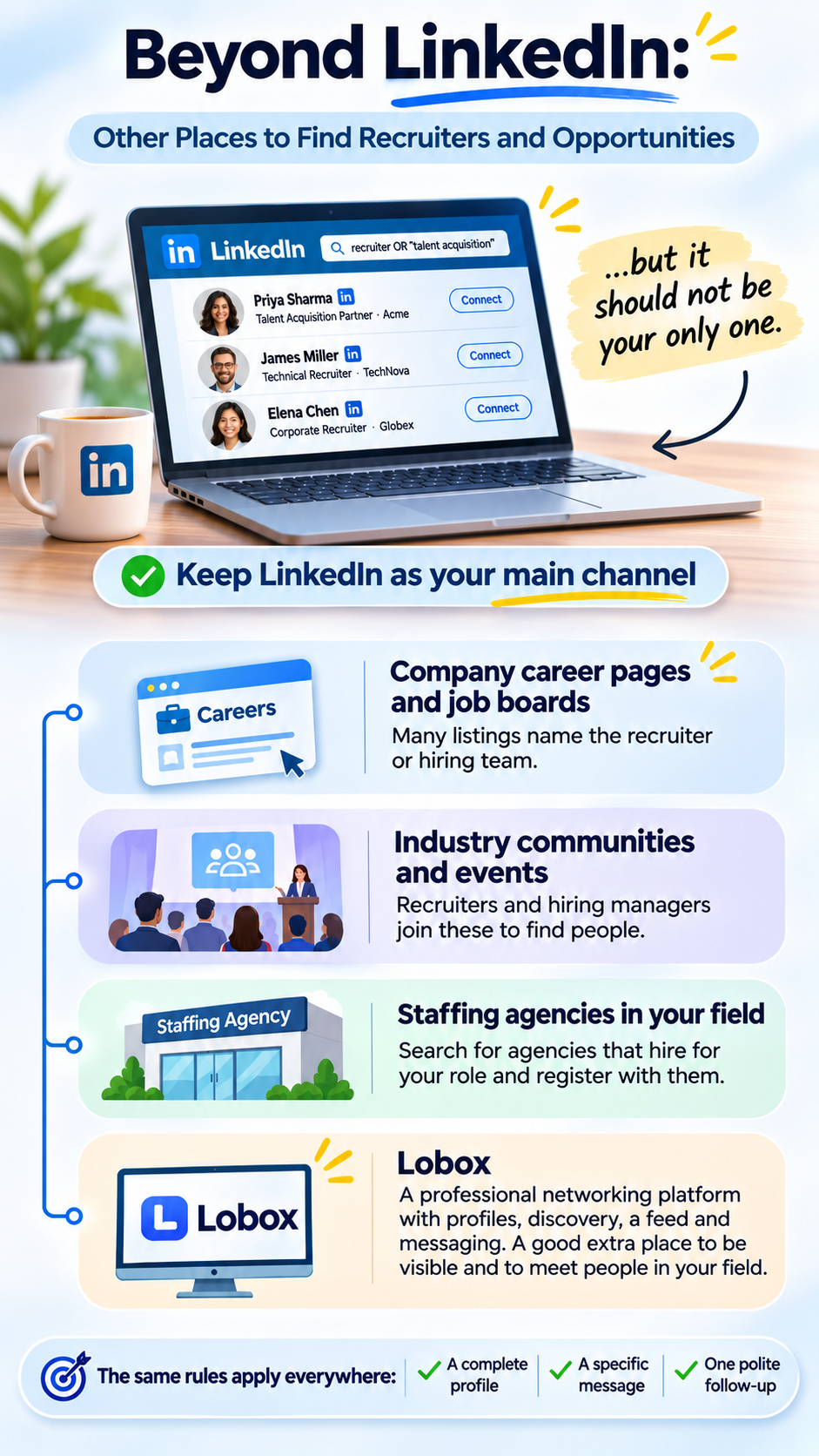
LinkedIn should be your main channel, but it should not be your only one.
Company career pages and job boards: Many listings name the recruiter or hiring team.
Industry communities and events: Recruiters and hiring managers join these to find people.
Staffing agencies in your field: Search for agencies that hire for your role and register with them.
Lobox: Lobox is a professional networking platform with profiles, a discovery feature for finding professionals and businesses, a feed and messaging. It is worth a look as an extra place to be visible and to meet people in your field. Check whether recruiters in your target industry and country are active there before you spend much time on it.
Whatever platform you use, the same rules apply: a complete profile, a specific message, and one polite follow-up.
FAQ
How do I find recruiters for my field?
Search LinkedIn People for your field plus a recruiting title, then filter by location and company. The fastest route is the recruiter named on a live job listing.
1.Can I message a recruiter if there is no job opening?
Yes, but expect fewer replies. Reference a type of role you are targeting and a clear strength, and keep it short.
2.Should I send my resume in the first message?
Only if the posting asked for it or the recruiter agreed. Otherwise offer to share it.
3.How long should I wait before following up?
About a week is a reasonable gap. Send one follow-up, then move on.
4.Should I contact the recruiter or the hiring manager?
Try the recruiter on the listing first. If you are strongly qualified, a short note to the hiring manager can also work. Do not message both with the same text.
5.Can a recruiter guarantee me a job?
No. They can put you in front of employers, but the employer makes the hiring decision.
A simple weekly routine
Fix your headline, summary and experience so they match the roles you want
Pick 5 live roles you genuinely fit and apply to them
Find the recruiter or hiring manager for each role
Send a short, specific connection note to each
Send the follow-up message to anyone who accepted a week ago
Note who replied and what worked, then adjust next week
Five targeted contacts a week, sent consistently, will do more for you than a hundred copy-paste requests.